Meta Business Suite Ads: What You Can Do (and What’s Better Done by a Pro)
Welcome to the final post in my three-part series on running ads through Meta. If you’re a small business owner trying to DIY your marketing, this series was built to help you understand your options, avoid common pitfalls, and make the most of your ad spend.
In Part 1, we covered the difference between boosting a post and running a full ad campaign.
In Part 2, we dug into the pros and cons of boosting.
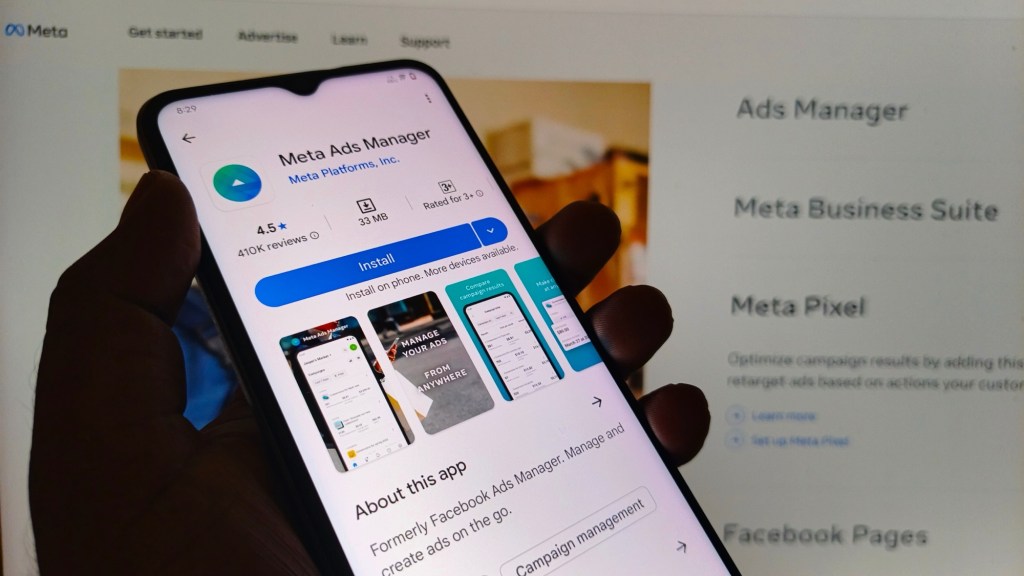
Now, let’s talk about Meta Business Suite, the dashboard where all your ad tools live.
🧭 What Is Meta Business Suite?
Meta Business Suite is a free platform from Meta (formerly Facebook) that lets you manage your business presence across Facebook and Instagram. It includes tools for posting, messaging, insights, and yes … ads.
It’s where you can:
- Schedule posts and stories
- Respond to messages and comments
- View audience insights
- Create and manage ad campaigns
It’s powerful, but it’s not exactly beginner-friendly.
✅ Pros of Using Meta Business Suite for Ads
- Centralized control: Manage Facebook and Instagram from one place
- Advanced targeting: Create custom audiences, retargeting, and lookalikes
- Multiple objectives: Choose goals like traffic, conversions, or leads
- Creative flexibility: Test different visuals, copy, and CTAs
- Budget control: Set daily or lifetime budgets with clear spend tracking
If you’re ready to move beyond boosting, this is where you do it.
❌ Cons of Meta Business Suite for Ads
- Steep learning curve: The interface can be overwhelming
- Easy to misstep: One wrong setting can waste your budget
- No hand-holding: You need to understand strategy, targeting, and creative
- Time-consuming: Building and managing campaigns takes effort
- No built-in funnel guidance: You have to map out your own customer journey
Meta Business Suite is like a high-powered espresso machine. Amazing results, if you know how to use it.
🧠 Recommendations for Small Business Owners
If you’re using Meta Business Suite:
- Start with clear goals: Know whether you want traffic, sales, or leads
- Use audience insights: Build custom audiences based on real data
- Test your creative: Try different visuals and copy to see what works
- Track performance: Don’t just “set and forget”, check your results regularly
- Ask for help when needed: Even a short consult with a pro can save you hours (and dollars)
✅ Key Takeaways:
- Meta Business Suite is powerful but not intuitive
- It’s best for strategic campaigns, not quick fixes
- You’ll need time, training, and testing to get results
- Hiring a pro can help you avoid costly mistakes
📣 Wrapping Up the Series
Thanks for following along with this three-part series! Whether you’re boosting posts, exploring ad campaigns, or diving into Meta Business Suite, remember this:
Ads are complex. Results take strategy. And asking for help is a smart investment, not a failure.
If you’re ready to stop guessing and start converting, I’d love to support you.
Let’s turn your scrolls into sales.
 Michelle Moses | Social Media Management For Small Businesses
Leave a comment